
Hyphenation
Hyphenation divides a word that doesn't fit at the end of a line instead of moving it to the next line as a whole. TX Spell .NET for WPF hyphenates in 24 languages, with the same component that checks spelling. Use it in two ways: automatically in a TX Text Control editor, or in your own code for any text.
How Hyphenation Works
The rules for dividing words come from hyphenation lists, one file per language in the open source Hunspell format. The NuGet package brings the list for US English; the lists for other languages are part of the language archives Text Control offers for download.
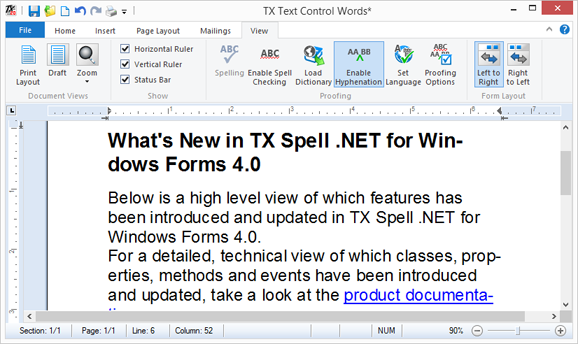
In a TextControl, the connected TXSpellChecker divides the last word of each full line with the list of the word's language, while the user types. In code, TXSpell and TXSpellChecker return the positions at which a word can be divided, and your code decides what to do with them.
Find the Right Page
| If you want to | Read |
|---|---|
| Know where hyphenation lists come from, which languages have one, and how to change their settings | Hyphenation Lists |
| Hyphenate the text of a TX Text Control editor automatically | Hyphenation with TX Text Control |
| Get the hyphenation points of a word in code | Hyphenating Text in Code |
| Let users change the hyphenation settings | Options Dialog |
| Find out why words aren't hyphenated | Dictionaries Not Found |
Where to Start
- Hyphenation with TX Text Control, if your application has a TX Text Control editor: two properties turn hyphenation on.
- Hyphenation Lists, before you hyphenate a language other than US English.
- Hyphenating Text in Code, for text that isn't in an editor.
Pages in This Section
- Hyphenation Lists: the files, the languages that have one, how a list is chosen, its settings and loading it in code.
- Hyphenation with TX Text Control: turning hyphenation on, the ribbon, the language of the text and the
HyphenateWordevent. - Hyphenating Text in Code:
GetHyphenationPointsandGetHyphenationPointin a console application, and the hyphenation sample of the setup.