
Specifying a Serial Number in C++
If you use TX Text Control ActiveX in a development system other than Visual Basic, you may have to set the license information for the control from your application. Visual C++ is one of the development systems that don't support the licensing model of Visual Basic.
Warning
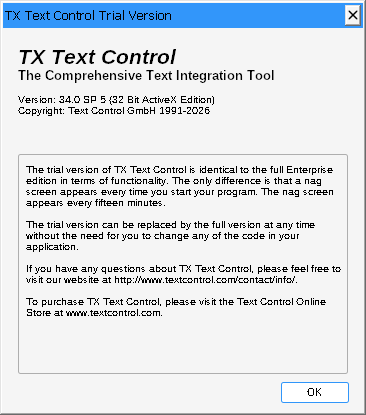
Missing License Information. Without the license information, your application isn't distributed correctly: the dialog box with the trial version information is displayed on the end user's machine all the time.
Pass the Serial Number When the Control Is Created
Set the serial number before any other call to TX Text Control. The following code comes from the WM_CREATE handler of a Visual C++ sample application, which creates the control and passes the serial number as its last parameter:
...
if (CWnd::Create(lpszClassName, lpszWindowName, dwStyle,rect,
   pParentWnd, nID, pContext) == 0)
   return 0;
WCHAR szLic[] = L"TS-1234567890";
BSTR bstrKey = SysAllocString(szLic);
BOOL bSuccess = m_txctrl.Create(NULL, dwStyle, rect,
   this, 1000, NULL, NULL,bstrKey);
SysFreeString(bstrKey);
if (!bSuccess)
   return 0;
...
The code works as follows:
szLicholds the license string. It must be a valid Text Control serial number: replace the example string "TS-1234567890" with yours.SysAllocStringturns the string into theBSTRthatCreateexpects, andSysFreeStringreleases it after the call.m_txctrl.Createcreates the control with the serial number in its last parameter. The handler returns 0 when the window or the control can't be created.
Use the Trial Version
The trial version of TX Text Control has no license information. Call the Create method with an empty string for the serial number.