
What's New in TX Text Control ActiveX 27.0
High-resolution displays and highlighted text fields are what TX Text Control ActiveX 27.0 brought over version 26.0. The version also reduced the built-in user interface languages, which matters when you upgrade an application that uses another language.
New Features
DPI awareness. TX Text Control handles display scale factors other than 96 DPI and supports System DPI aware applications. High-resolution images are provided for all parts of the built-in user interfaces of TX Text Control. All other parts of the user interface, such as ribbons, dialog boxes, rulers and selection frames, have been adapted and can be displayed on monitors of up to 300 DPI or higher. The recommended way to set the DPI awareness mode is a setting of the application manifest; Setting the DPI Awareness shows how to embed a manifest in an .exe file.
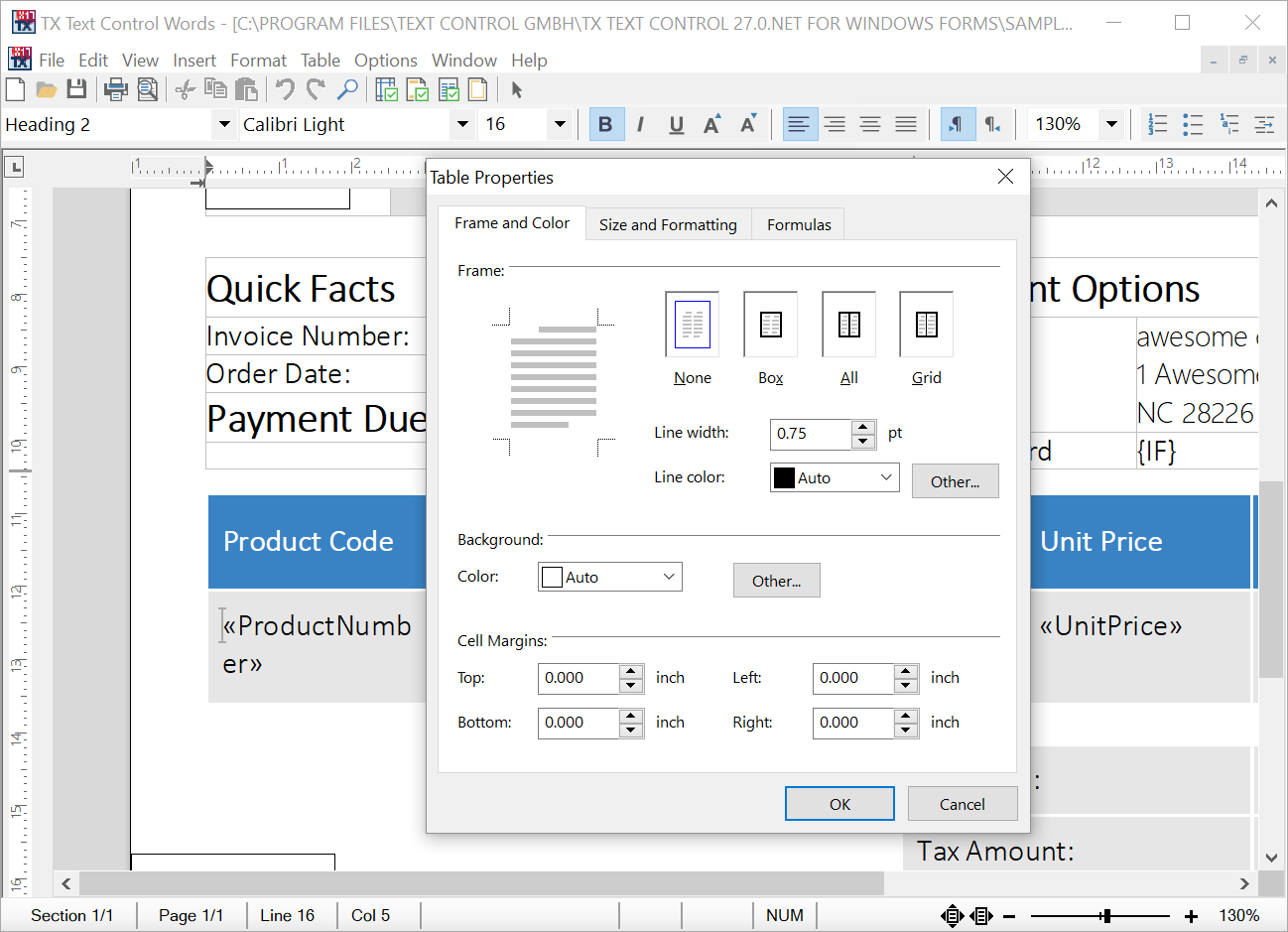
Text fields. All kinds of text fields can be highlighted with a specified highlight color. Whether a field is highlighted depends on the FieldHighlightMode property, which is set to txAlways, txNever or txActivated. The highlight color can be semitransparent, set with the FieldHighlightColor and FieldHighlightTransparency properties, so that the highlighting of text fields mixes with other kinds of coloring.
New Properties, Methods and Events
Version 27.0 adds three properties to TXTextControl, all for highlighting text fields.
Properties
| Member | Description |
|---|---|
| TXTextControl.FieldHighlightColor | Returns or sets the highlight color of a text field. |
| TXTextControl.FieldHighlightMode | Returns or sets the highlight mode of a text field. |
| TXTextControl.FieldHighlightTransparency | Returns or sets the transparency of a text field's highlight color. |
Update Notes
| Member | Change |
|---|---|
| Language property | The built-in languages are reduced to English and German. All other languages must be supported through the resource kit, see Resources and Localization. |