
Setting the DPI Awareness
TX Text Control supports system DPI aware applications, which detect the system DPI and scale to it. You make an application such as the TXWords sample DPI aware with an application manifest embedded in its executable.
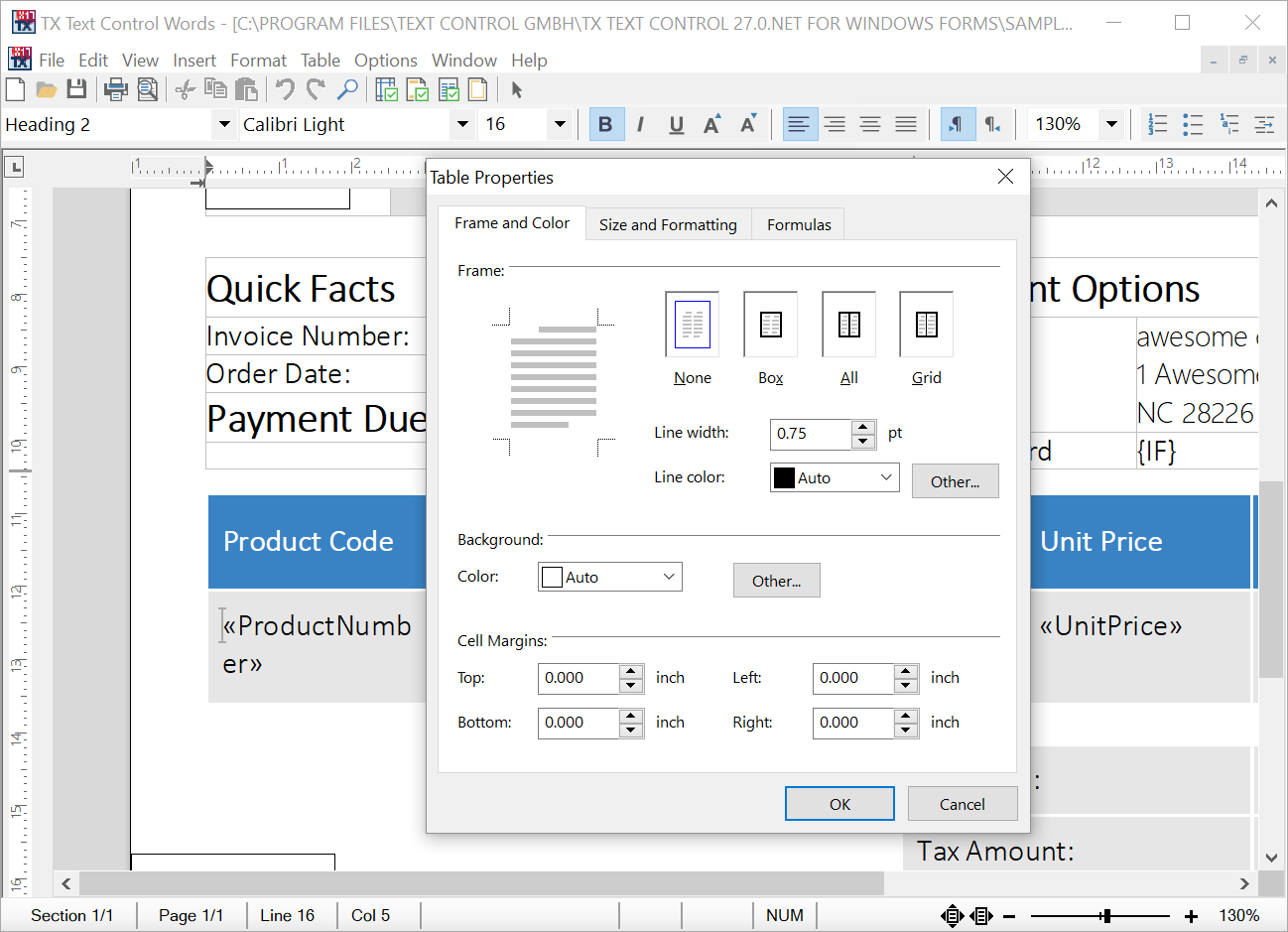
How DPI Awareness Is Set
The recommended way to specify the default DPI awareness of a process is a setting in the application manifest. The manifest must be embedded in the application's executable as an application resource.
Create the Manifest
The following manifest file configures the DPI awareness. You find this XML file in the samples folder:
<assembly xmlns="urn:schemas-microsoft-com:asm.v1" manifestVersion="1.0">
<application xmlns="urn:schemas-microsoft-com:asm.v3">
<windowsSettings>
<dpiAware xmlns="http://schemas.microsoft.com/SMI/2005/WindowsSettings">true</dpiAware>
</windowsSettings>
</application>
</assembly>
The dpiAware element with the value true, inside windowsSettings, declares the application as DPI aware.
Embed the Manifest
The manifest is embedded in the executable with the tool Mt.exe, which is part of the Microsoft Windows Software Development Kit (SDK):
| System | Default installation path of the Windows SDK |
|---|---|
| 32-bit | \Program Files\Windows Kits\10 |
| 64-bit | \Program Files (x86)\Windows Kits\10 |
Applications created with Visual Basic 6 are 32-bit applications, but you can use either the 32-bit or the 64-bit version of Mt.exe.
Open a Developer Command Prompt, or define the environment variables manually, and run one of the following commands:
If your executable already contains a manifest resource, update the resource:
mt -manifest dpiaware.manifest -updateresource:txwords.exe
If your executable doesn't contain a manifest resource, embed a new manifest:
mt -manifest dpiaware.manifest -outputresource:txwords.exe
Next Steps
- A Word Processor: the TXWords sample, whose executable the commands above update.
- Distributing Your Applications: the files to deploy with your application.